
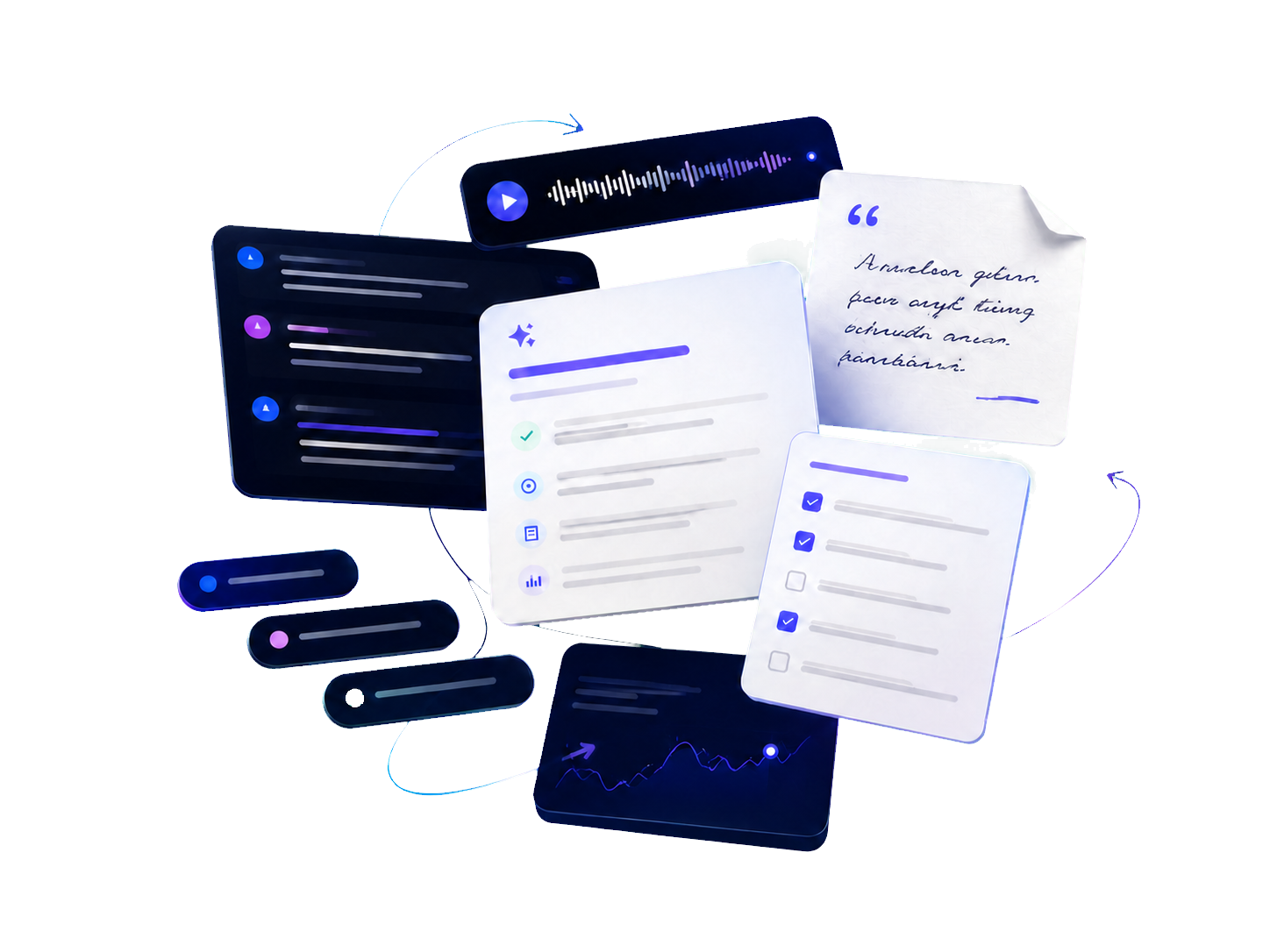
Capture the source material
Bring in a live meeting or an existing audio or video recording without changing the way your team works.
Meeting intelligence
Notiqo helps teams, institutions, and educators turn live or recorded meetings into structured, searchable knowledge so people can follow up without rewatching every minute.
What changes with Notiqo
Notiqo turns conversation content into material teams can find, revisit, and use long after a meeting ends.
Bring in a live meeting or an existing audio or video recording without changing the way your team works.
Turn a long conversation into a transcript, clear summary, key topics, and reusable notes.
Search across meeting content instead of scrubbing through an entire recording.
Answer meeting-specific questions using the recordings and materials connected to that project or programme.
Keep generated answers and insights connected to the relevant meeting context where available.
Designed around real meetings
Start with the meetings and recordings you already have. Shape the output around the people who need it.
For teams and organisations
Turn meetings into searchable notes, summaries, decisions, and action items.

For education
Use the same workflow for lectures, tutorials, and class discussions so education sits naturally inside a broader meeting system.

From meeting to reusable knowledge
Add a live meeting or an existing audio or video recording.
Create a structured record of what was discussed.
Find a decision or topic without replaying the full recording.
Explore the meeting through its connected material.
Create notes, summaries, action items, and follow-ups.
Keep the source in view
Notiqo connects the meeting to its topics, summaries, decisions, and follow-up material. Teams can move from a question back to the relevant context instead of treating an AI answer as a black box.

Better after-meeting workflows
Start with one meeting. Leave with something easier to find, verify, and use.
For teams
Revisit a decision, find the relevant moment, and turn it into focused follow-up material.
For education
Use the same structure for lectures, tutorials, and class discussions while keeping source context visible.
For organisations
Help departments make recorded meetings easier to search, revisit, and support consistently.
Common questions
See how Notiqo can fit the way your organisation already runs meetings and supports education.
Yes. Notiqo is designed to work with live sessions as well as uploaded audio and video recordings.
Notiqo uses the meetings and materials connected to a project or programme to answer questions, with links back to relevant source context where available.
No. The product is designed to make meeting-created material easier to revisit and use, while keeping the organisation and team in control of knowledge.
Yes. A demo starts with your present meeting workflow, audience, and tools so the conversation stays specific to your organisation.
